Hotel Lobby AI
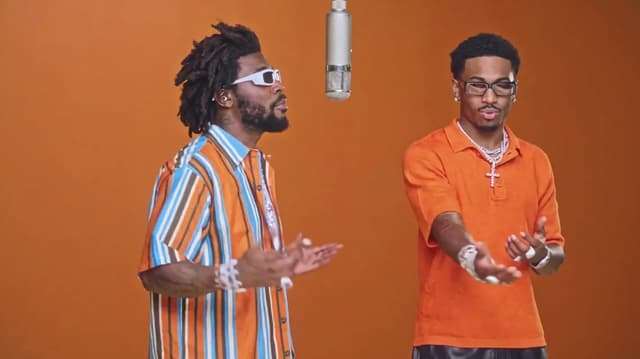
Hotel Lobby AI Rap Duet

Explore published work made by the Klox community, then open any project to see how the shots come together.
Hotel Lobby AI Rap Duet
Just drop the Klox canvas link into your AI agent. It knows how to pick up and keep going.
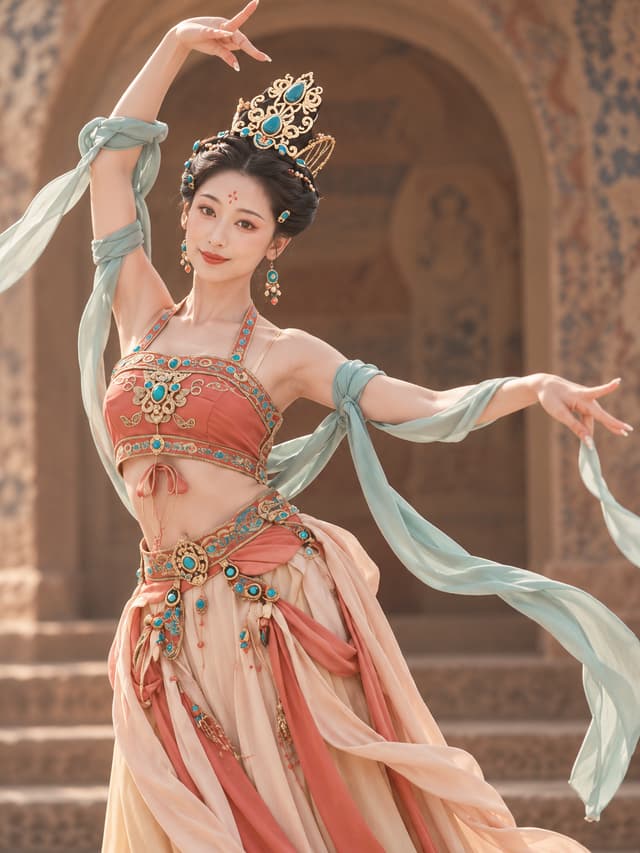
Dunhuang dance
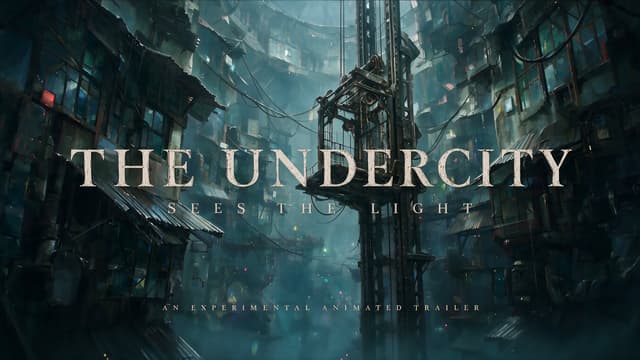
A 2.5D painterly short about two warriors escaping a rain-locked city to find the true sky.
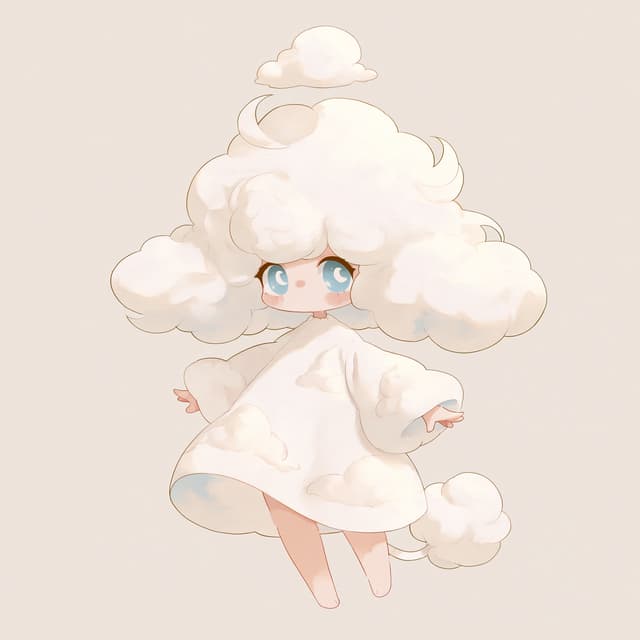
Japanese Hand-Drawn Healing Style
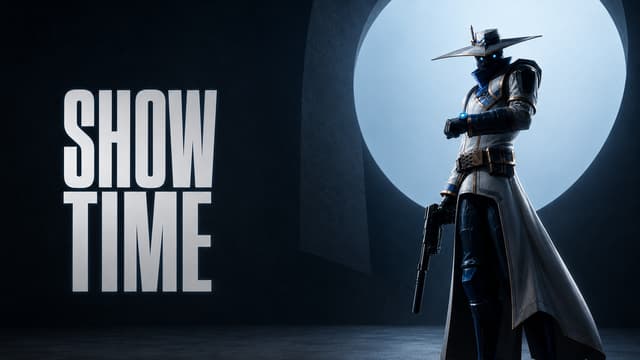
An AI-assisted 3D cinematic reimagining of VALORANT agents unleashing their signature abilities.
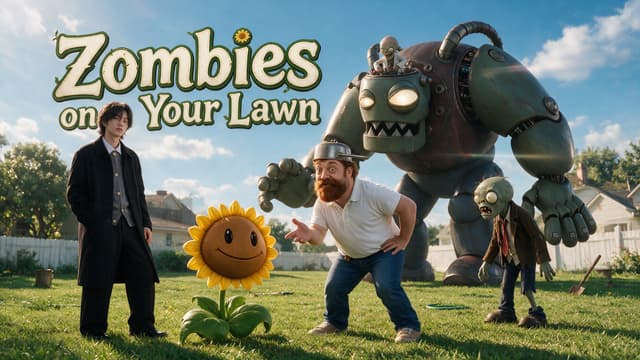
Live-action Plants vs. Zombies
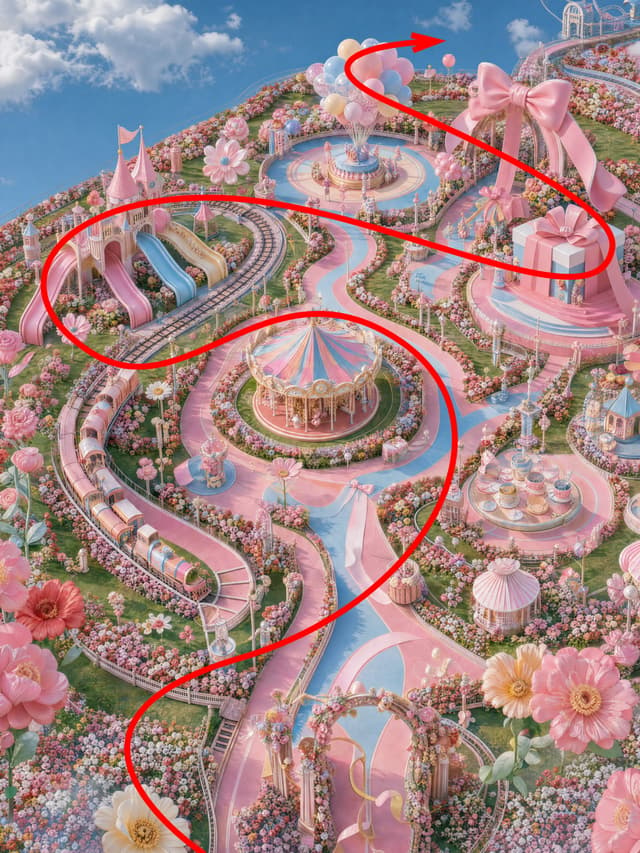
FPV Aerial Photography
Switch between Google Nano Banana, GPT Image, Seedream, Flux and Qwen Image without changing tools or re-uploading references. They all draw from the same credit balance.
Imágenes con mucho texto y diseño creativo
About GPT Image 2.5Coherencia de personajes y narrativa visual
Imágenes creativas y generación artística
Generación y diseño de imágenes de uso general

Imágenes expresivas y creatividad artística
Start in the generator and keep every result ready for the next part of your creative workflow.
Write what you want to see, or add images to guide the subject, style and composition.
Pick the model, aspect ratio and resolution that fit the image you are making.
Branch variations, connect another model or turn the image into the first frame of a video.
Turn a plain product photo into styled studio, lifestyle or seasonal shots while keeping the product itself unchanged.
Build a character once, then reuse it across poses, outfits and scenes by feeding the same reference image back into the prompt.
Generate the key frames of a scene, arrange them on the canvas, and hand them straight to a video model as first frames.
Generate at the aspect ratio you actually publish in — 16:9, 9:16, 1:1 or 4:5 — instead of cropping afterwards.
Klox keeps prompts, references, generated images and video shots connected on one canvas, so you can explore without losing the path that produced each result.
Open the canvasStill have questions? Email our support team